

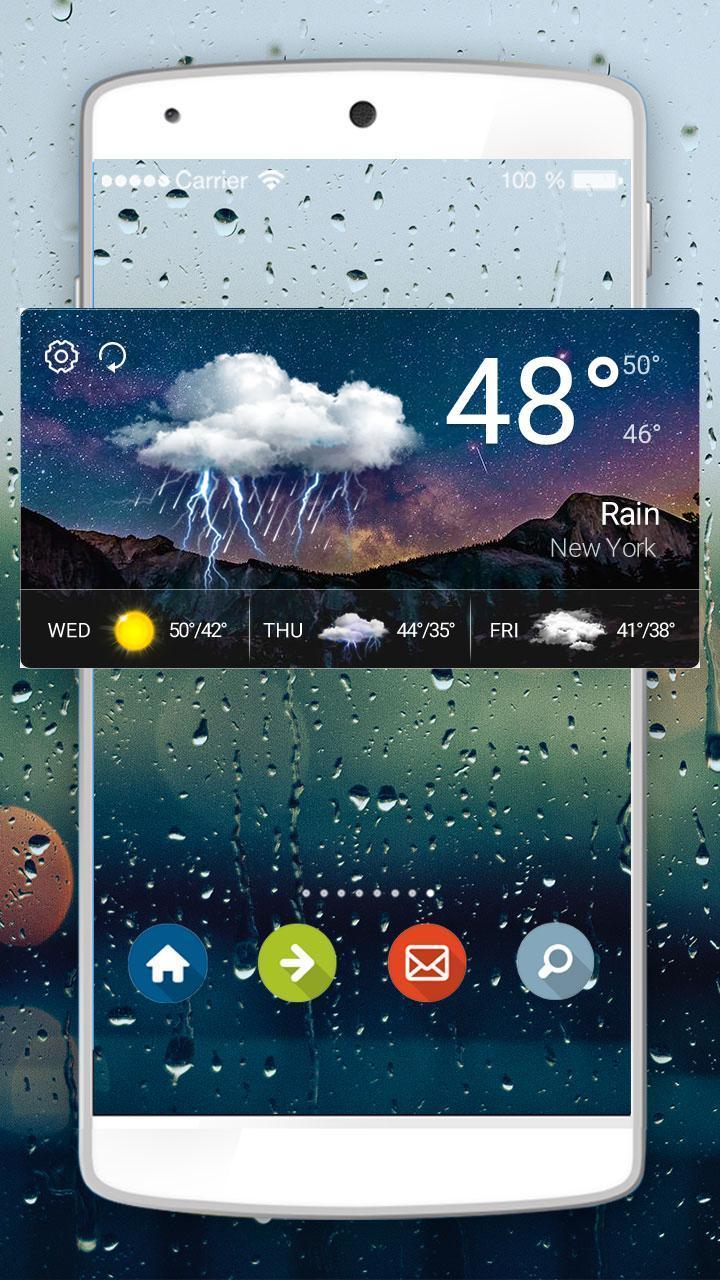
Weather Widget - Weather Widget Transparent S8. Weather forecast & clock.
⛅Weather Widget - Weather Widget Transparent S8⛅
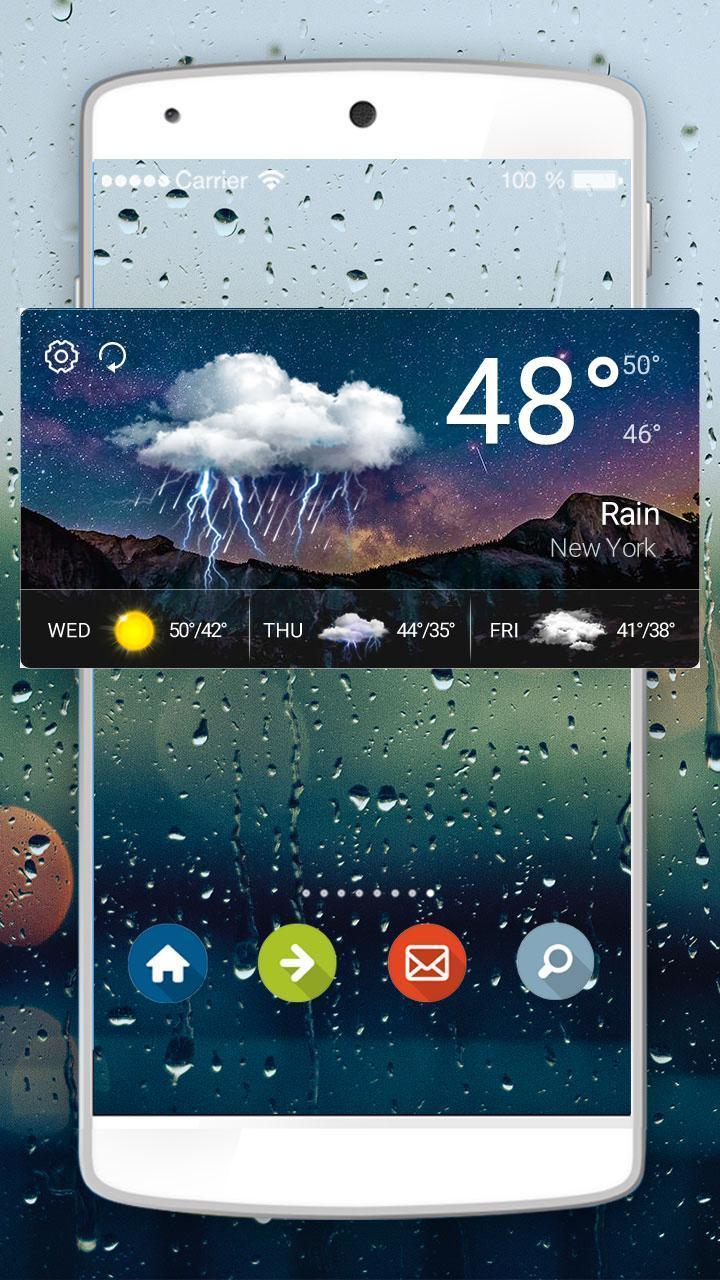
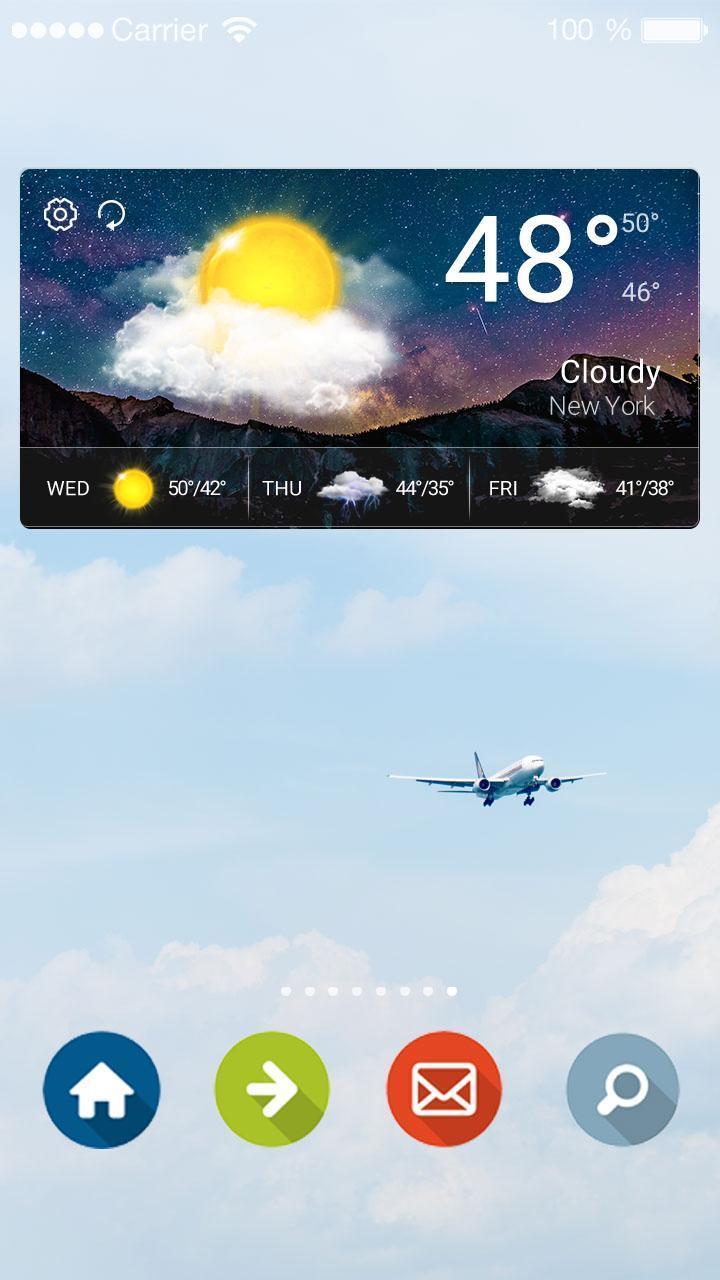
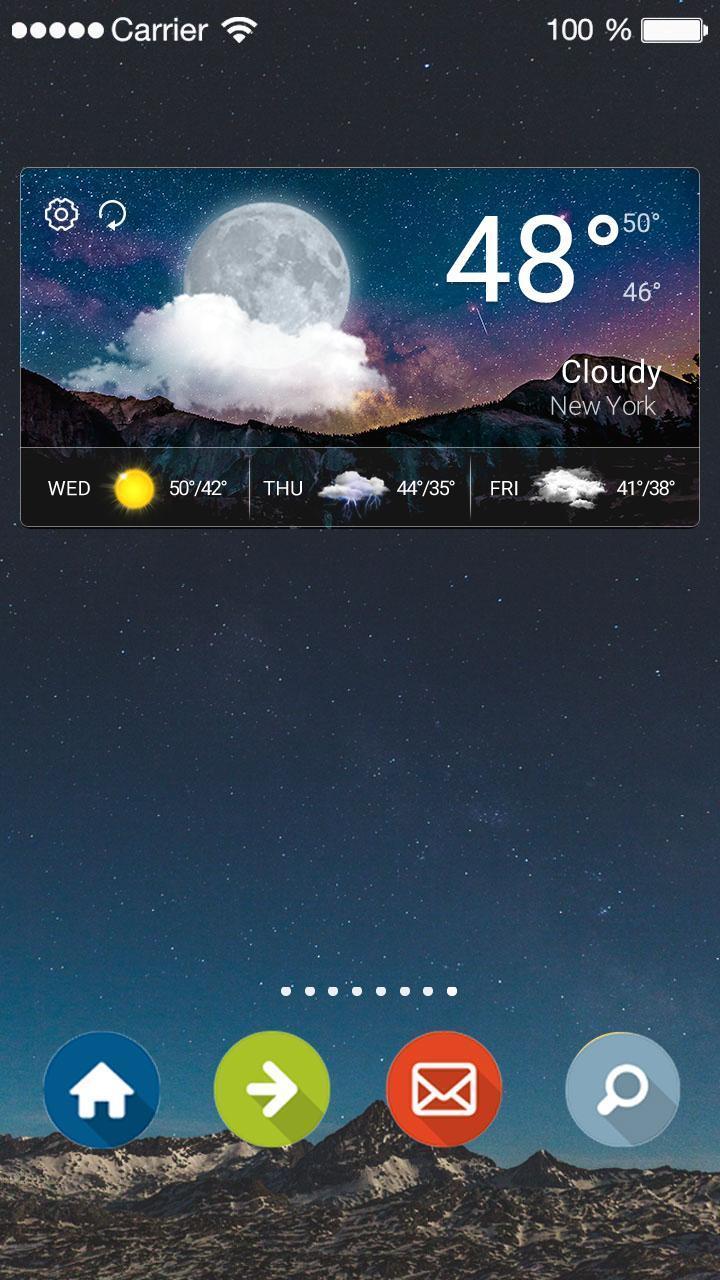
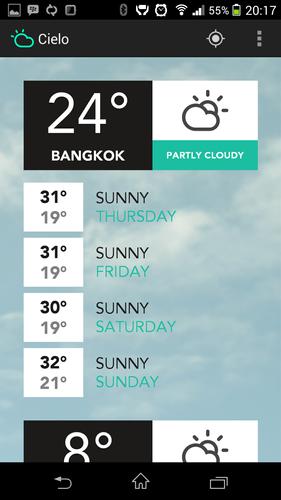
ComprehensiveReal-Time Weather, 5 days weather forecast, clock & calendar...
❄How to Apply Weather Widget - Weather Widget Transparent S8:❄Step 1: Download Weather Widget - Weather Widget Transparent S8 and Weather Radar & Forecast app.Step 2: Long press screen & click [Widget].Step 3:Find Weather Widget - Weather Widget Transparent S8 & drag it to your desktop .
ConvenientJust put this weather widget on your desktop & get weather information conveniently.
⛅Main Features⛅Weather Widget Transparent S8 ThemeHave fun!UsefulAll useful weather information & weather forecast.
Weather information & patterns change automatically according to weather condition.
⛅What's Weather Widget - Weather Widget Transparent S8?⛅ Real-Time Weather: Real-time temperature.Weather Forecast: Weather forecasts for 5 days. Clock & Calendar: Useful clock to decorate your desktop.Location: Weather radar helps to choose and save different locations.
❄Real-time weather, weather forecast & clock widget.❄
Contact Us:Email:[email protected]
Privacy Policy: http://tianqi.mdc.akamaized.net/weather.html
October 1, 2026
October 1, 2026
October 1, 2026
September 30, 2026

September 30, 2026

September 30, 2026
September 30, 2026
September 30, 2026
September 30, 2026
September 30, 2026
 Download APK(3.49MB)