


Enjoy millions of the latest Android apps, games, music, movies, TV, books, magazines & more. Anytime, anywhere, across your devices.
Usage:
* It's only available for Doremi Launcher
* Download Doremi Launcher from Google Play
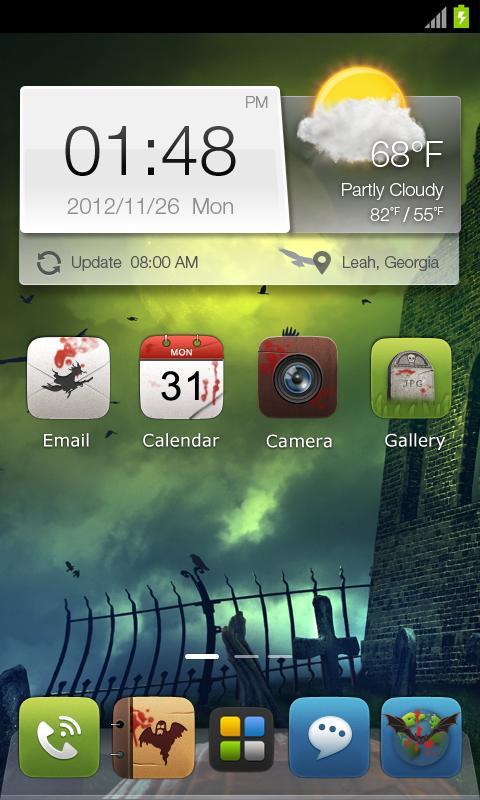
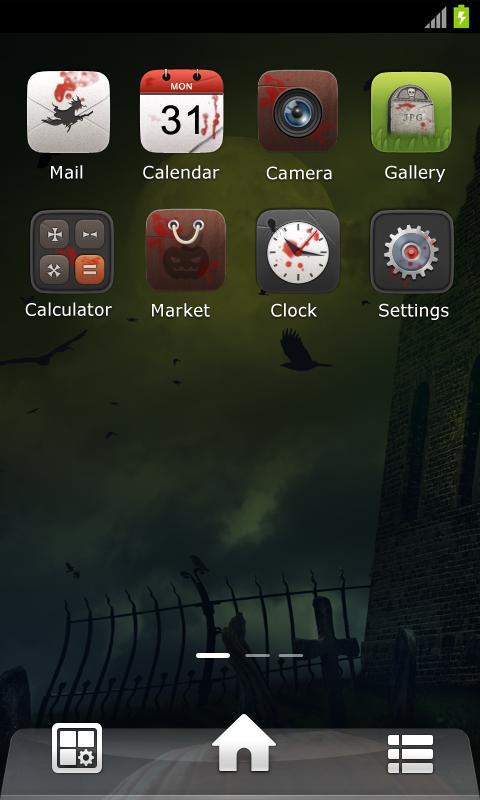
* How to apply this theme
1.After installation do not open it
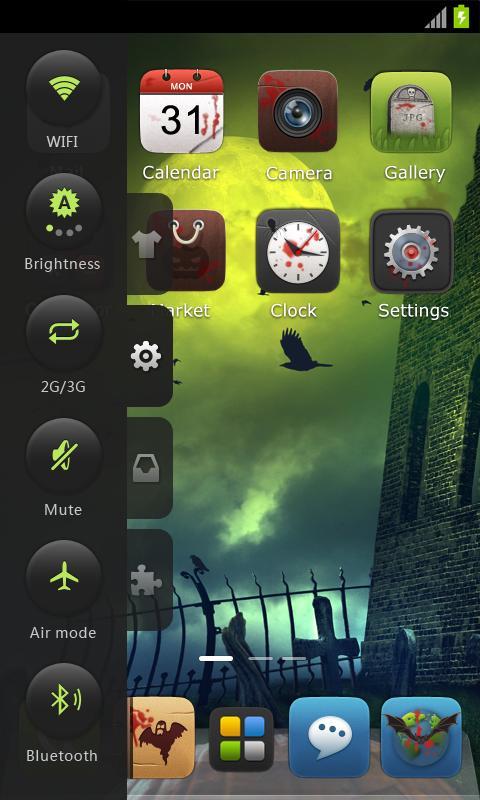
2.Go back to Doremi Launcher; open sidebar on the left; find Menu > Themes
3In the theme store, click Apply buttton on the right side of "Gothic" wallpaper
4.Gothic is loaded
September 7, 2026

September 7, 2026
September 7, 2026
September 7, 2026
September 7, 2026

September 7, 2026
September 7, 2026
September 7, 2026

September 6, 2026
September 6, 2026
 Download APK(423.19KB)